Use System Prompts
System prompts are the core instructions that define the style, role, boundaries, and behavioral expectations of the AI in a conversation. In ConsoleX AI, system prompts help you precisely control how the model responds—for example by specifying the response language, restricting scope, or assigning a background role.
You can edit, save, and reuse system prompts to create a more personalized and efficient conversation workflow.
Prompt Library
ConsoleX AI includes a Prompt Library, where you can quickly insert preset prompts, save your own prompt templates, and set a default prompt for future conversations.
Add and edit a system prompt in a conversation
- Entry point: in the conversation interface, hover near the title bar and click Add System Prompt or Edit System Prompt.

- In the dialog that opens, you can edit the system prompt for the current conversation.
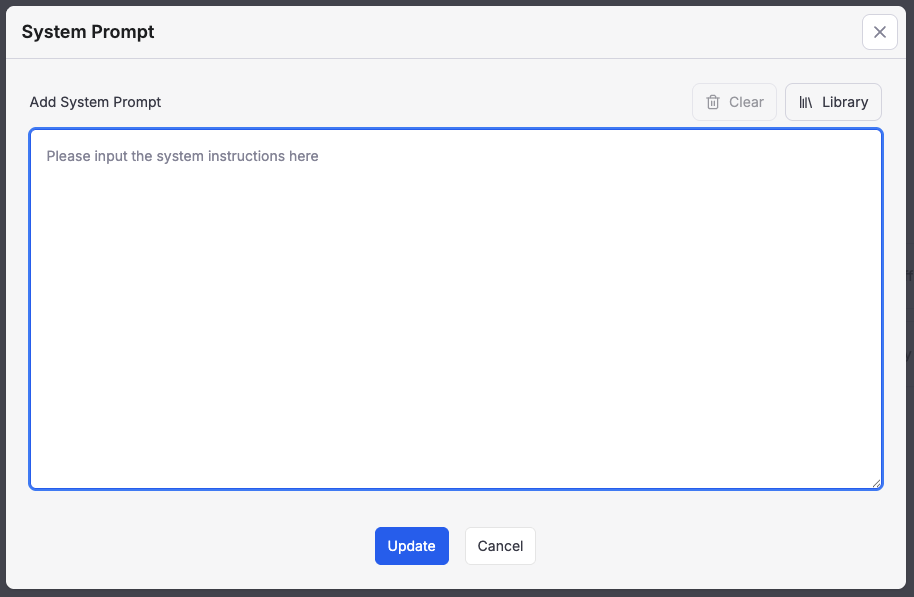
- Click the icon inside the editor to insert content directly from the Prompt Library without copying and pasting manually.