Cloud Browser
With Cloud Browser, you can let a model operate a browser in the cloud to perform tasks such as web scraping, data extraction, and browser-driven automation, while you watch the results in a live preview.
Use it through a Skill
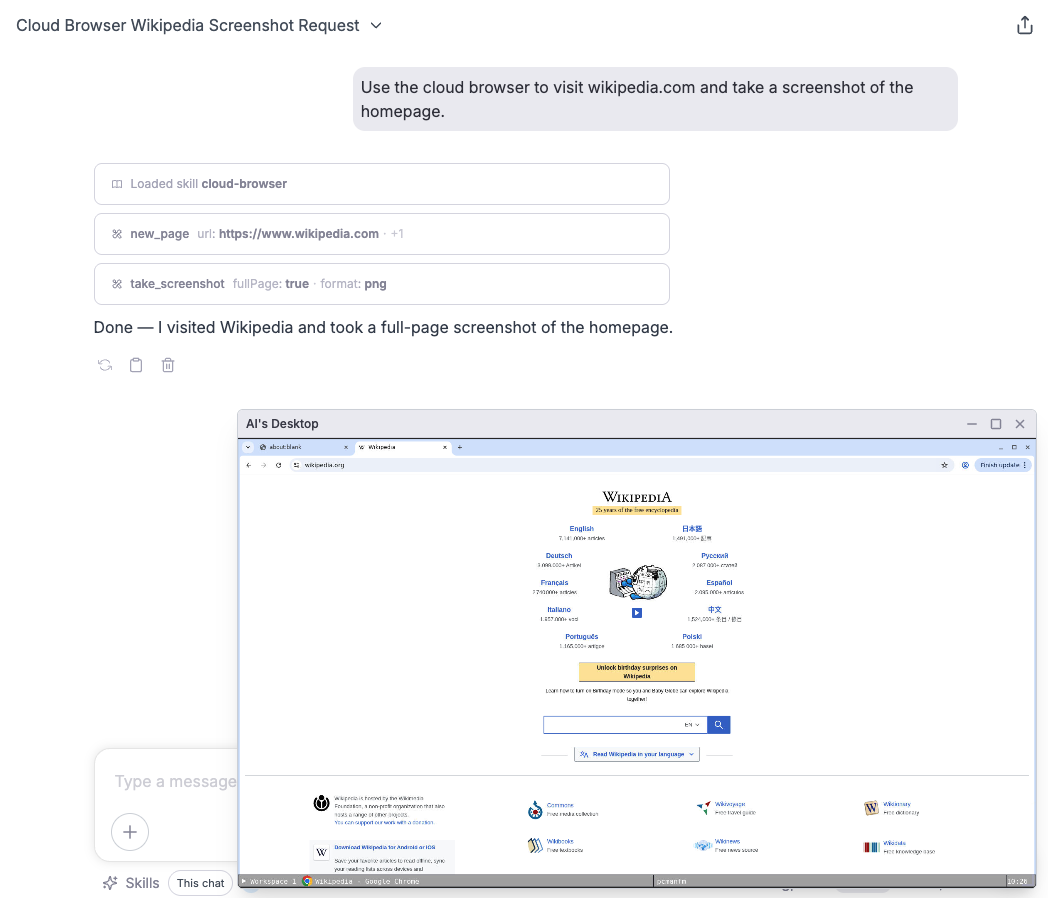
If you want a model to work through Cloud Browser, first enable the cloud-browser Skill in the current conversation. Then instruct the model to use it, for example:
Please use the cloud browser tool to visit https://www.example.com and extract the page title and all links.
The model will first load the cloud-browser Skill and mount the related MCP server before running the task.
Use it directly through an MCP server
You can also attach the MCP server directly to the conversation to achieve the same result. For how to attach tools or MCP servers, see Tool Calling.