Custom Agent
Agents are AI assistants configured to execute specific types of work. In ConsoleX, you can create custom Agents for specialized business tasks or repeatable workflows.
Steps to create an Agent
Entry point
- Open the AI Agents page from the left menu.
- Click Create New AI Agent.
Configuration steps
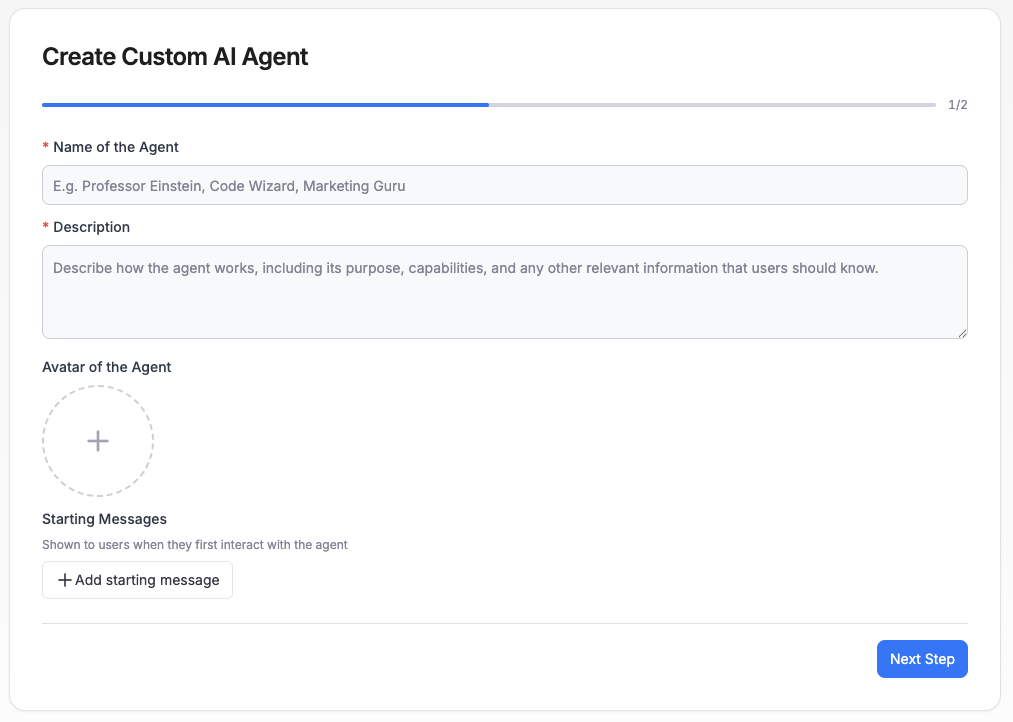
Step 1
- Give the Agent a name.
- Add a description so its purpose is easy to recognize.
- Choose or upload an avatar.
Step 2
- Configure the system prompt.
- Select the base model.
- Choose which tools the Agent is allowed to use.
- Decide whether Skills should be enabled for the Agent, and which Skills should be included.
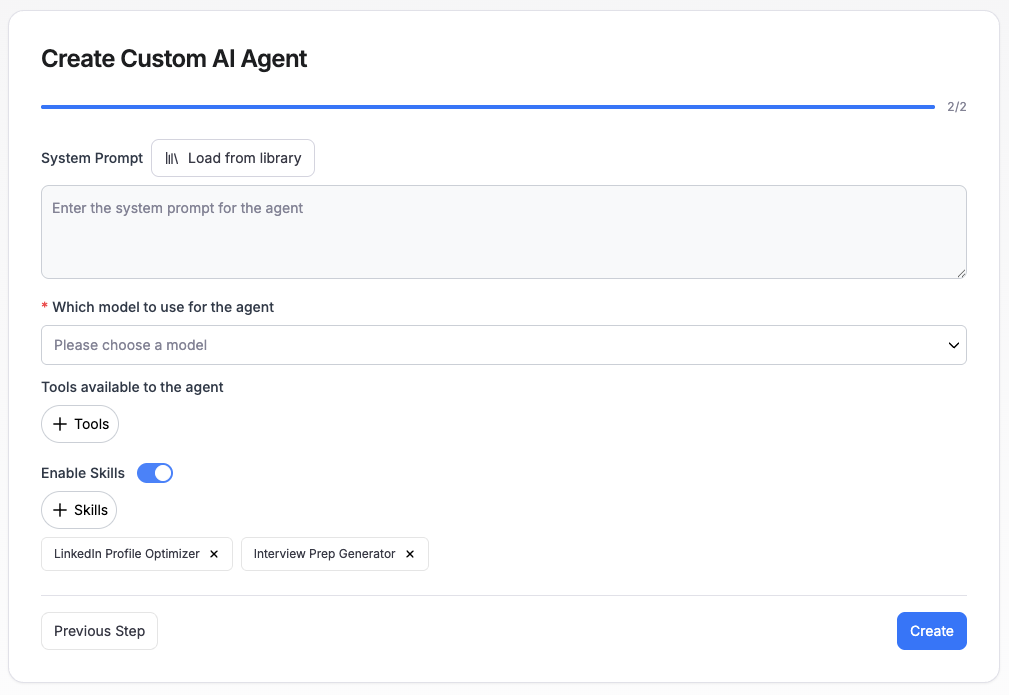
After the required information is filled in, click Create to finish building the Agent.