Prompt Library
Prompts are one of the keys to getting better results from large language models. ConsoleX AI includes a Prompt Library so you can store prompts you use often and load them quickly when needed.
Open the Prompt Library
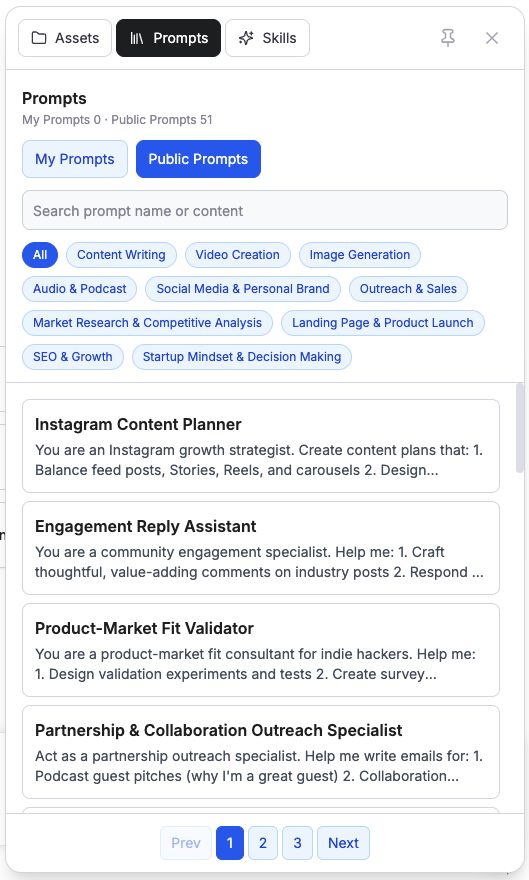
Click the floating icon in the lower-right corner of the main interface, then open the Prompt Library tab at the top of the drawer. From there, you can add, view, edit, and delete prompts.
Preset prompts
ConsoleX AI includes a set of useful preset prompts that can be inserted into conversations with one click.
Custom prompts
You can also create your own prompts and edit them whenever needed to fit different conversation goals.
Set a default prompt
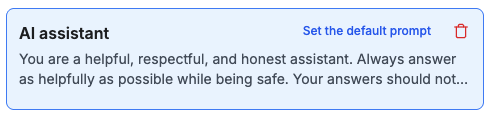
Hover over any custom prompt and click Save as default to make it the default system prompt for new conversations. You can also remove the default later, in which case new conversations start with an empty system prompt.