Preset Tool Pricing
ConsoleX includes about 120 preset tools in More → Capabilities, such as web search, reading files, image generation and speech generation. Some of them call third-party models or APIs, and those calls cost credits. This page explains how tool usage is charged and where you can see it.
How tool calls are charged
Some preset tools don't charge for their calls; others, such as image or video generation, use credits. Depending on the tool, a charge is calculated in one of these ways:
- Per call: a fixed number of credits each time the tool runs.
- Per token: based on the tokens the tool's model actually uses, priced per 1M tokens.
- At API cost: based on the direct cost of the third-party API call.
Also keep in mind:
- Failed tool calls are not charged.
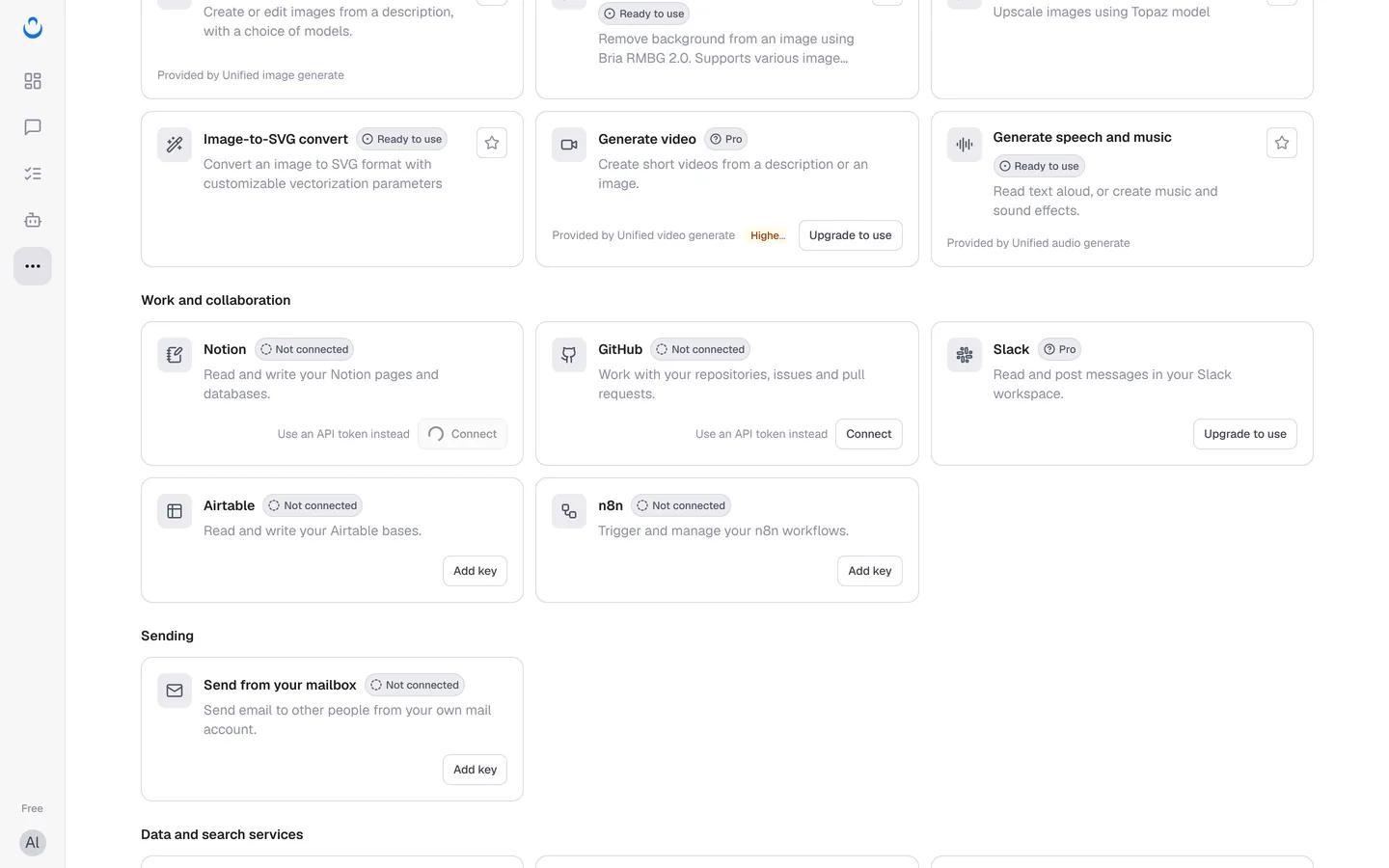
- Tools marked Higher cost on their card, such as Generate video, use more credits than most tools.
Plan allowance first, then credits
Tool usage shares your monthly plan allowance with model usage. Within the allowance, tool calls are covered by your plan. Past it, they are paid from your credits balance if Continue with credits is on. See Credits and usage.
If you use your own API key for models, ConsoleX's built-in tools still use your plan's usage.
Pro tools
Tools marked Pro, such as Generate video, Slack and Tavily search, are available on Pro and Max. On the Free plan, their cards show Upgrade to use. See Membership.
See what tools cost
- In a task run: on the run's Result tab, Run statistics shows the estimated execution cost split into known model fees and known tool fees, plus the number of tool calls.
- In Usage & Credits: Usage records list each model or tool call with its credits.
To learn more about the tools themselves, see Use preset tools.