Google Vertex AI 模型
按以下步骤,在 ConsoleX 中通过 Vertex AI 使用你自己 Google Cloud 项目中的模型。这些模型的调用由 Google Cloud 计费,不占 ConsoleX 套餐额度、不扣点数。
获取服务账户密钥
要使用 Google Vertex AI,你需要使用项目中创建的服务账户。按以下步骤生成并下载 JSON 格式的服务账户密钥:
- 登录 Google Cloud Console。
- 选择你的项目。
- 进入「IAM 和管理」→「服务账户」。
- 点击「创建服务账户」,并填写所需信息。
- 在「密钥」选项卡下,点击「添加密钥」,选择「JSON」格式下载。
生成 Base64 编码的密钥
下面的脚本用于编码服务账户密钥。你可以把它保存为一个 .py 文件并运行。运行前请确认服务账户密钥的路径正确(如果脚本和密钥在同一文件夹中,直接写文件名即可)。
import base64
import json

def encode_credentials(file_path):
    try:
        with open(file_path, 'r') as file:
            vertex_credentials = json.load(file)
        # 加载并编码 Vertex AI 凭证
        credentials_str = json.dumps(vertex_credentials)
        encoded_credentials = base64.urlsafe_b64encode(credentials_str.encode('utf-8')).decode('utf-8')
        return encoded_credentials
    except FileNotFoundError:
        print(f"错误:未找到路径 {file_path} 的文件。")
        return False
    except json.JSONDecodeError:
        print("错误:无法从文件中解码 JSON。")
        return False

# 生成编码后的凭证,执行前请先设置服务账户密钥的路径
encoded_credentials = encode_credentials('path-to-your-service-account-key.json')
print(encoded_credentials)
在 ConsoleX 中添加 Vertex AI 凭证
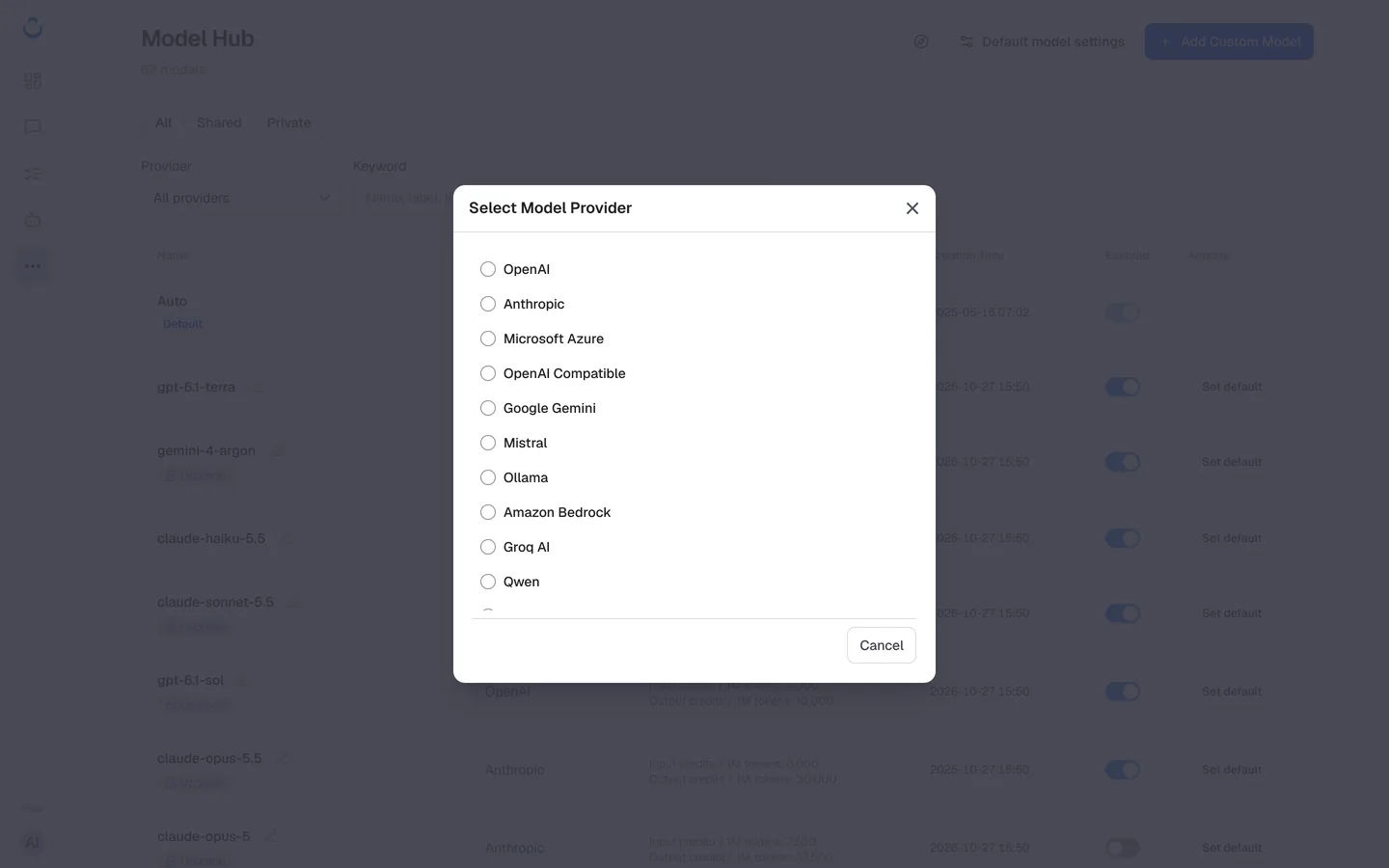
- 点击左侧导航栏的 …(更多),选择「模型」。
- 在「模型中心」点击「添加自定义模型」,选择 Google Vertex。
- 填写以下信息:
- 项目 ID:你的 Google Cloud 项目 ID。
- 位置:处理请求的区域。
- 编码密钥:上面脚本生成的 Base64 编码凭证。
- 保存。模型会出现在模型中心的「私有」分类中。
验收和 ConsoleX 内置工具仍然使用你的套餐用量。详见自定义模型。
安全性
你的密钥会加密保存。如果有安全方面的顾虑,可以随时从 ConsoleX 中删除密钥,或在 Google Cloud 中停用它。